
































































































Free
$0 forever
Sign up and start right away
- Health Score (0–100)
- Sleep, activity & 38 workout types
- 7-day trends
- Friends, groups & leaderboards
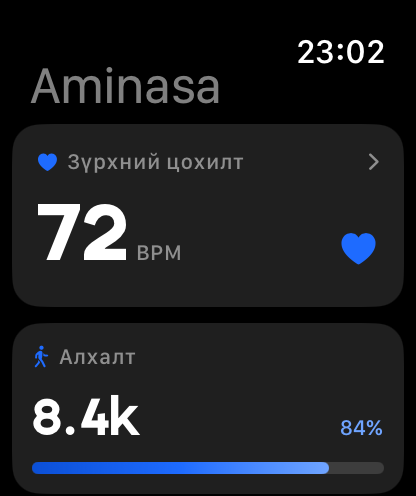
- Widgets & Apple Watch app
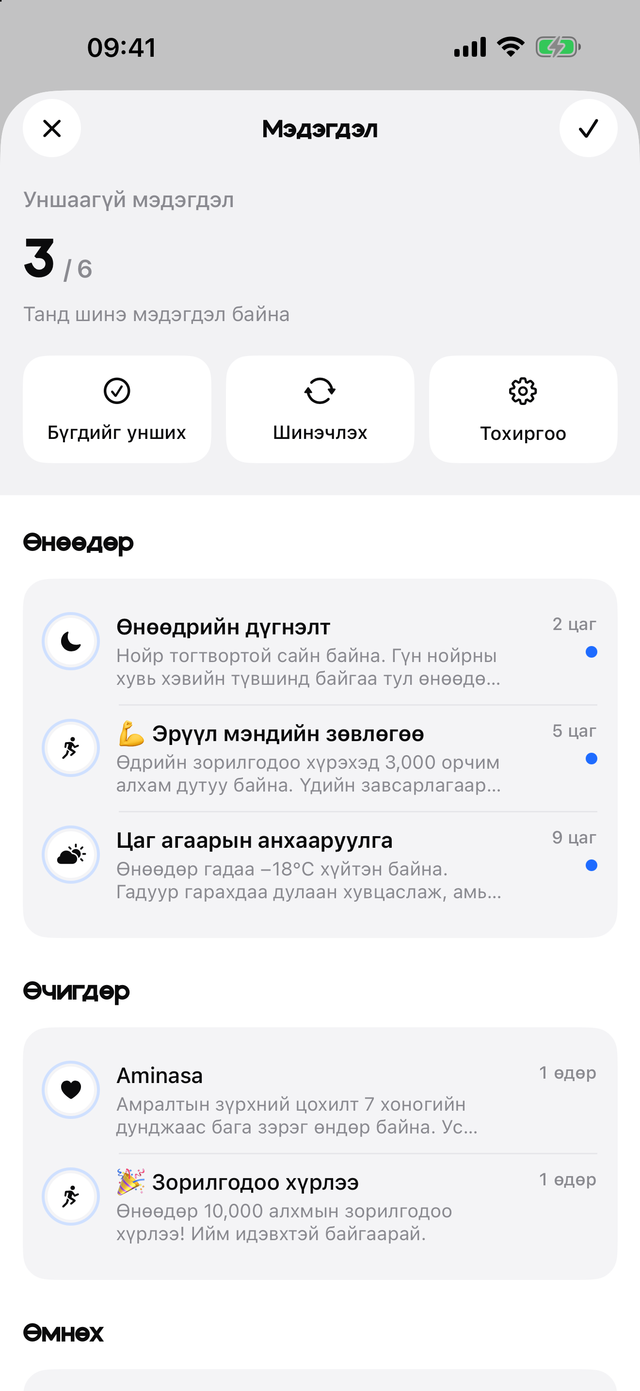
- 3 smart notifications a day
- Food recognition — 3 free tries
 AI health assistant
Aminasa turns your Apple Watch and iPhone data into one daily score and advice you can actually act on. Sleep, activity and food — all in one place.


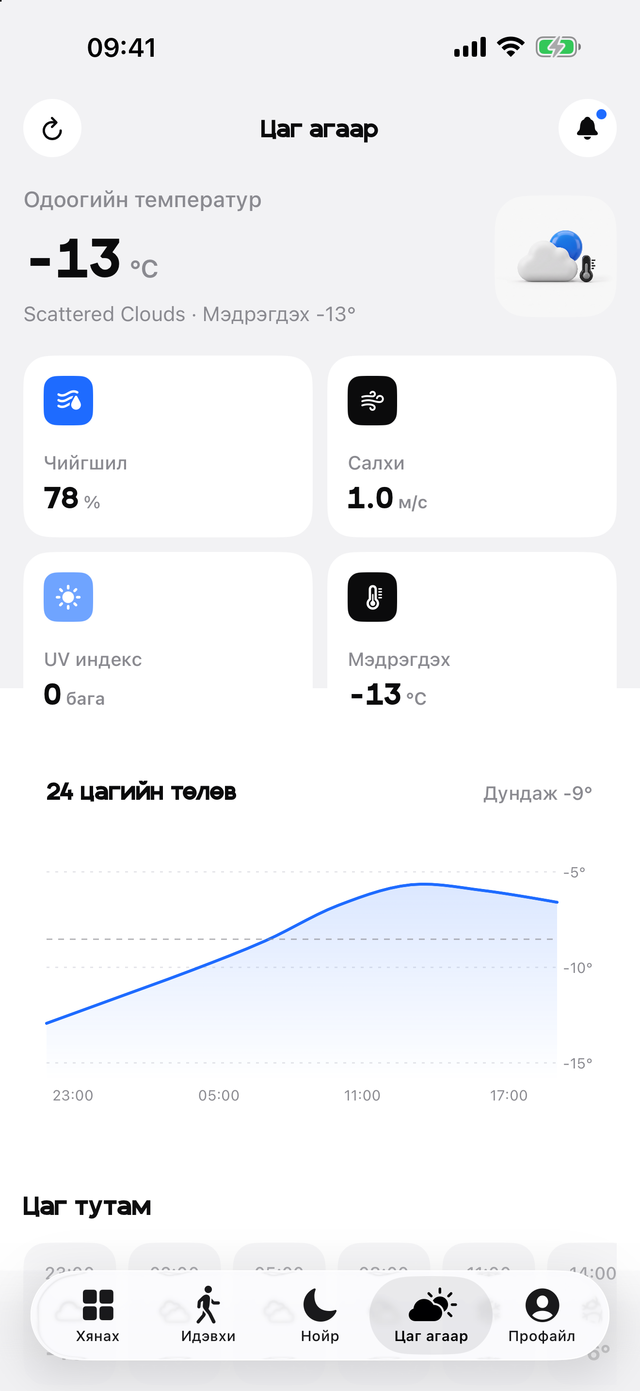
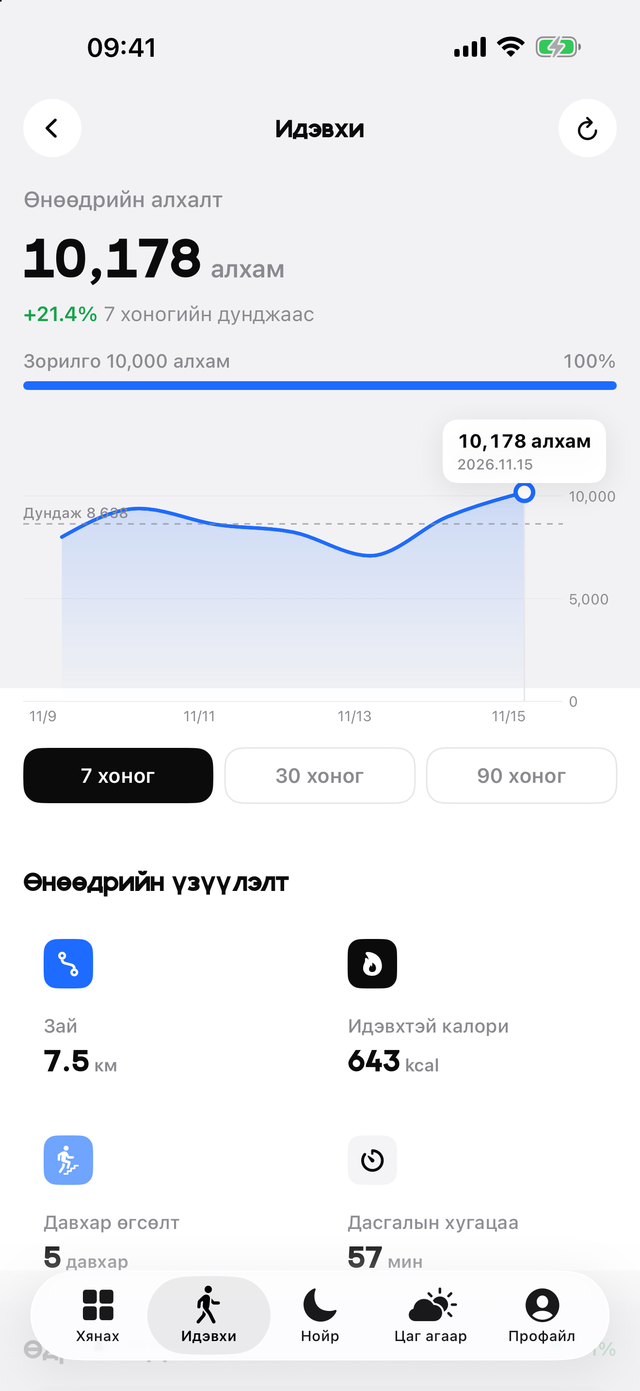
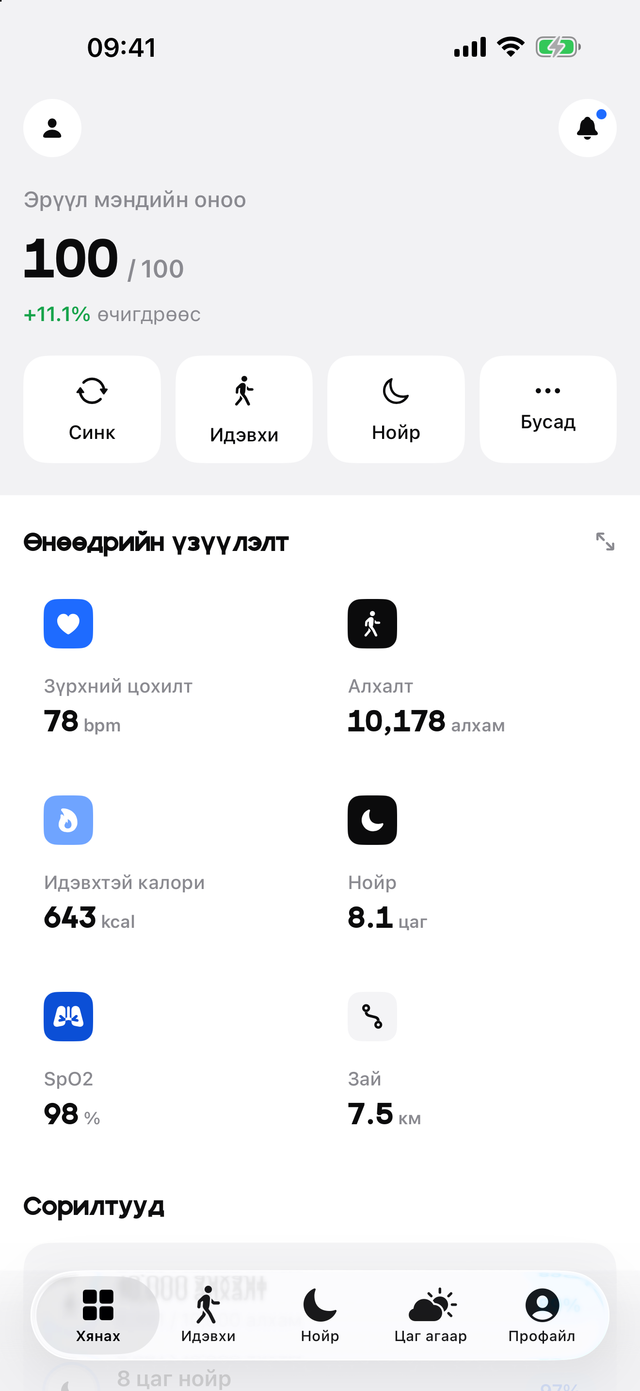
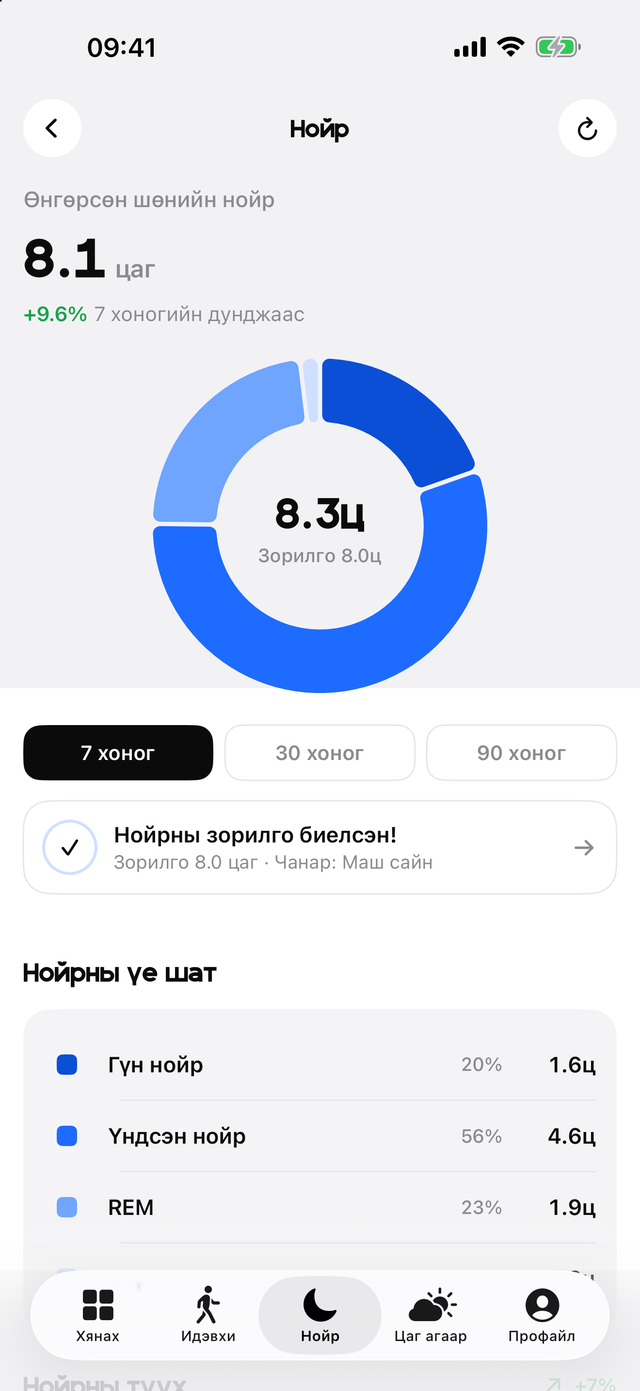
Heart rate, HRV, sleep, steps and SpO2 are compared with your own baseline to give you a 0–100 Health Score every day.
Measured against your own normal, not someone else's.
Opt in and Gemini AI sums up your day with personal tips.
Deep, core, REM and awake time, every night.
From Mongolian wrestling and archery to HIIT and yoga.
Morning, midday and evening — at times you choose.
Your score and steps on your Home Screen and wrist.
Heads-ups for extreme cold, heat and high UV.
7-day trends free; 30 and 90 days with Premium.
Just snap a picture. AI recognises Mongolian dishes like buuz, khuushuur and tsuivan and works out calories and macros instantly.

Buuz, khuushuur, tsuivan, banshtai tsai and more.
Calories, protein, carbs and fat from one photo.
Try it free three times first.
Images are analysed, then discarded.
Pick from 100 pixel characters, start a group, invite friends with a code and race each other on weekly steps.
100 pixel characters — a wrestler, an archer, a horse, a camel, a buuz, a panda and many more.
 Temuulen84,210 steps
 Nomin79,532 steps
You71,048 steps
 Bataa65,920 steps
 Grandma41,377 steps
Start a group and invite friends with a code.
Daily and weekly rankings by steps.
Set a shared goal and see who gets there first.
Give a friend a nudge with one tap.
No ads. No third-party trackers. Your health data is never sold.
Not a single ad — in the app or on this site.
Usage stats only improve the app, and you can switch them off.
Download your health data as a CSV whenever you like.
Erase your account and all of its data for good.
The essentials are free, forever. Go Premium when you want deeper AI.
$0 forever
Sign up and start right away
$19.99 / year
≈ $1.67 a month · 7-day free trial
Payment is charged to your Apple ID. Subscriptions renew automatically unless cancelled at least 24 hours before the end of the current period. Prices may vary by region.
Clear, evidence-based reads on sleep, heart, activity and food.

Activity
Run outside or work out at home? How to read PM2.5 and the AQI, when the benefits of moving outweigh the smog, and how to keep training through UB's winter.
5 min read

Guides
Four components, a personal baseline and a confidence level. A transparent look at what goes into your daily Health Score and where it falls short.
5 min read

Nutrition
Adults in Mongolia eat about 10.5 g of salt a day, twice WHO's limit. Here's what that means for blood pressure and how to cut back, starting with milk tea.
4 min read
Can't find your answer? Contact us
Aminasa brings together your Apple Watch and iPhone health data — heart rate, HRV, sleep, steps, SpO2 and more — and turns it into a daily 0–100 Health Score. Track sleep, activity and food in one place and get personal advice in plain language.
No. Your iPhone already tracks steps, distance and flights climbed. For heart rate, HRV, SpO2 and sleep stages you'll want an Apple Watch, which makes your score far more complete and accurate.
Yes. Your data travels over encrypted connections and is stored only in your account. There are no ads or third-party trackers, and we never sell your data. You can export everything as a CSV or delete it permanently at any time.
Only when you turn it on in Settings, a summary of your health metrics is sent to Google Gemini to write personal insights and tips. If you don't, Aminasa uses rule-based guidance instead. It isn't a medical diagnosis — please talk to a doctor if something worries you.
Take a photo of your meal and the AI identifies each dish, estimates the portion and calculates calories, protein, carbs and fat. It's especially good with Mongolian dishes like buuz, khuushuur and tsuivan. Photos are analysed and not stored.
AI food recognition, AI advice and in-depth analysis, a detailed Health Score breakdown, and 30 and 90-day trends and reports. It's $2.99 a month or $19.99 a year, and the yearly plan starts with a 7-day free trial.
Yes. Subscriptions are managed by the App Store, so you can cancel anytime in iPhone Settings → your name → Subscriptions. Premium stays active until the end of the period you've paid for.
Tap “Delete account” in the Profile section of the app to permanently erase your account and all of your data. You can export your data as a CSV first. Remember to cancel any active subscription in the App Store separately.